











































Connectivity & Safeguarding

Reliable connectivity for safer school online access.

Bring education-focused broadband, filtering and monitoring together in one supported service. We help schools and trusts maintain dependable access to online learning and systems.

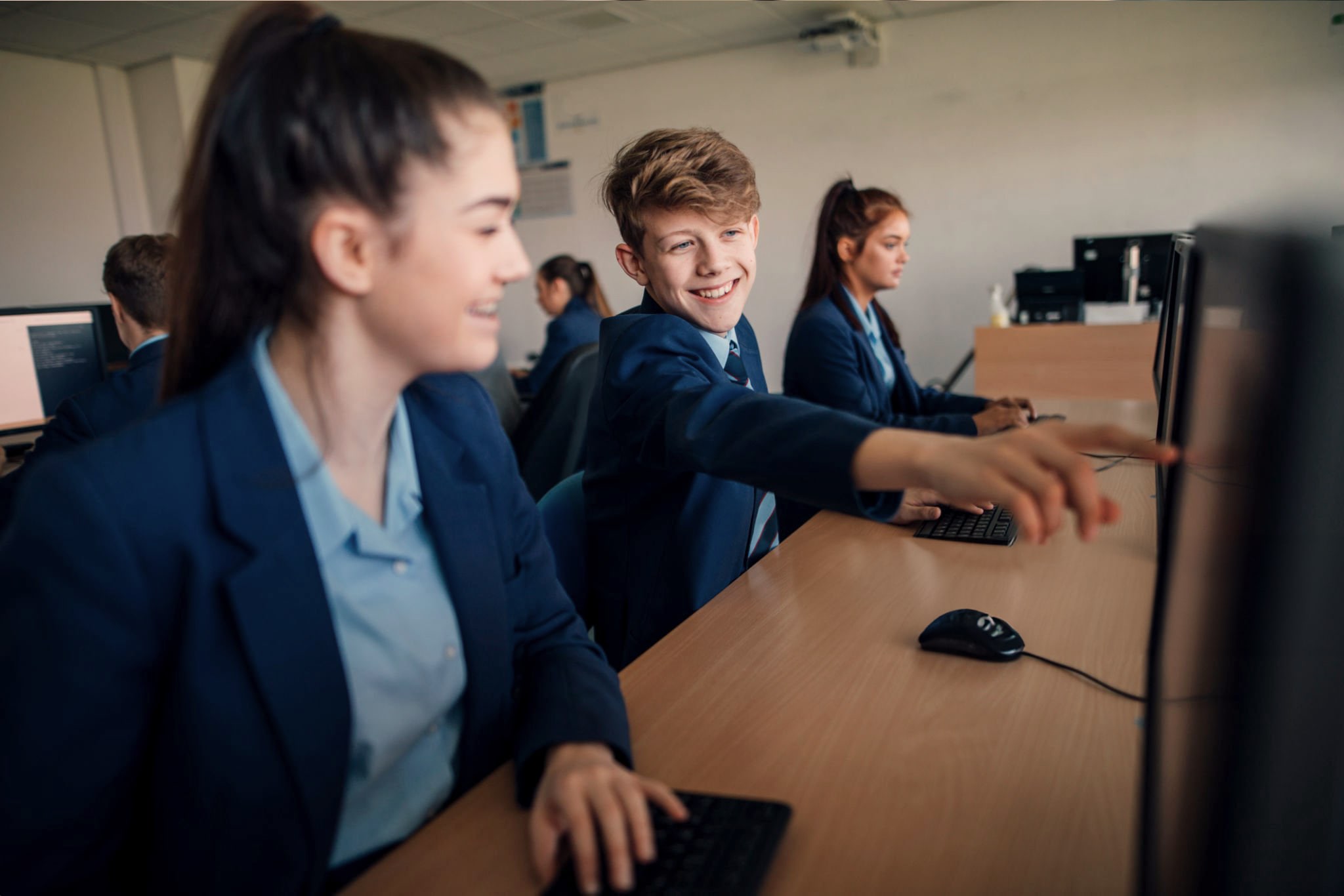
Secondary school pupils in blazers working at classroom computers, one boy smiling and pointing at a screen

Supporting more than 1,000 schools across the UK

  • Bishop Wilkinson Catholic Education Trust
  • The BRIT School
  • E-ACT
  • The Kemnal Academies Trust
  • Ashfield School
  • Copleston High School
  • Highfield Primary School
  • Hilperton CofE Primary School
  • Macclesfield Academy
  • Manor CofE Academy
  • Nelson Thomlinson School
  • One In A Million Free School
  • Oulton Primary School
  • Oxlip Learning Partnership
  • Sandon School
  • South Green Infant and Nursery School
  • South Hylton Primary Academy
  • St Richard Gwyn Catholic High School
  • Strawberry Fields Primary School
  • Westcliff High School for Girls
  • Advantage Schools Trust
  • Castle View Enterprise Academy
  • Compass EKO Trust
  • Dr Challoner's High School for Girls
  • Every Child Every Day Academy Trust
  • Impact Multi Academy Trust
  • Magna Learning Partnership
  • Mercian Trust
  • St Olave's Grammar School
  • Tonbridge Grammar School
  • White Rose Academy Trust
  • Wilson's School
  • Applefields School
  • Ebor Academy Trust
  • Hope Sentamu Learning Trust
  • Joseph Rowntree School
  • Osbaldwick Primary Academy
  • Pathfinder Multi Academy Trust
  • Terrington Hall School

Connectivity and safeguarding controls that work together

Reliable access and effective online safeguards should support the school day.

  • Education-focused broadband

    Connectivity selected around your school's users, systems and operational requirements, with ongoing support from a team that understands the demands of education.

  • Web and content filtering

    Filtering configured to support appropriate access across users and devices, balancing digital safeguarding with the legitimate needs of teaching and learning.

  • Monitoring and alerting

    Tools and configuration that improve visibility of concerning online activity and help relevant staff review alerts, reports and patterns more effectively.

  • Filtering and monitoring reviews

    A practical review of your current provision, settings and processes, helping you identify gaps, strengthen oversight and plan clear next steps.

  • DSL and staff guidance

    Training and refresh sessions help DSLs and relevant users understand key functionality, alerts, scheduled reports and their role in effective monitoring.

  • Policy and configuration support

    We help translate safeguarding priorities into practical technical settings, with support to maintain a proportionate and usable approach.

  • Ongoing technical support

    Continued help with broadband, filtering and monitoring reduces pressure on internal teams as users, devices, policies and school needs change.

Keep learning connected and online access safer

Connectivity and safeguarding affect the whole school day.

Two school staff members wearing lanyards talk at an orange table with a laptop in a bright school atrium

More dependable access

Reduce disruption from unsuitable or unreliable connectivity and support consistent access to cloud platforms, online resources and operational systems.

Stronger safeguarding visibility

Give DSLs and relevant teams clearer access to alerts, reports and online activity so concerns can be reviewed through the school's safeguarding processes.

Two male colleagues in glasses in discussion, one pointing as the other leans in to look

Controls shaped around education

Balance protection with purposeful access, using filtering and monitoring configured around different users, devices and the needs of teaching and learning.

Less pressure on school teams

Bring technical guidance, reviews, configuration and ongoing support together through one education-focused partner for DSLs, IT teams and leaders.

Smiling man in a denim shirt typing at a wall-mounted computer station beside library bookshelves

One supported environment for access, filtering and monitoring

We start by understanding your current broadband, filtering and monitoring arrangements, along with the safeguarding and operational priorities they need to support. This gives us a clear view of performance, configuration, visibility and any practical gaps.

We then recommend an appropriate combination of connectivity and safeguarding technologies, helping you implement settings and policies around the needs of your school or trust. DSLs and relevant staff can receive guidance on alerts, reports and key functionality, while technical teams gain support with configuration and ongoing management.

The service continues beyond implementation. Reviews and ongoing support help your provision adapt as users, devices, online services and safeguarding expectations evolve.

  • Broadband and connectivity review
  • Education-focused filtering and monitoring
  • Alerting, scheduled reports and visibility for safeguarding teams
  • Configuration aligned with school policies and user needs
  • DSL and end-user guidance
  • Regular review and ongoing technical support

Arrange a filtering & monitoring review
Smiling secondary pupils in white shirts and ties talk together around a classroom table

Could your connectivity and safeguards work better together?

Connectivity & Safeguarding may be right for you if:

  • Broadband reliability or performance is disrupting teaching, learning or school operations.
  • Your broadband contract is approaching renewal and you want an education-focused review.
  • You need to review whether filtering and monitoring settings remain appropriate for your environment.
  • Your DSL needs clearer visibility of alerts, reports or online activity.
  • Filtering policies are difficult to manage consistently across users, devices or schools.
  • You want safer online access without creating unnecessary barriers to legitimate learning.
  • Increased cloud or device use is changing your connectivity and safeguarding requirements.
  • Your trust is growing and needs a more consistent approach across multiple schools.
Speak to an expert

Understand where the gaps are, strengthen what’s in place, and stay supported.

We bring technical and safeguarding requirements into one practical process, with clear guidance for the teams responsible for keeping access reliable and appropriate.

  • 1. Review your current setup

    We discuss broadband performance, filtering and monitoring, user needs, safeguarding priorities and any concerns raised by DSL, IT or leadership teams.

  • 2. Agree the right approach

    We recommend suitable connectivity and safeguarding solutions, with clear reasoning around configuration, visibility, management and support.

  • 3. Configure and implement

    Our team supports implementation and policy configuration, working with relevant staff to make the service practical for everyday school use.

  • 4. Build confidence

    DSLs and other users receive guidance on key functionality, alerts, reports and how the technology supports established safeguarding processes.

  • 5. Review and support

    We provide ongoing technical support and can review the provision as policies, technology, users and safeguarding priorities change.

Support designed around your organisation

Gain clearer visibility and practical support

Filtering and monitoring technology needs to support safeguarding practice, not sit separately from it. We help DSLs and relevant staff understand alerts, reporting and key functionality, with configuration shaped around school policies and user needs. Reviews provide a structured opportunity to assess current provision and identify practical next steps. The result is greater confidence in the technology supporting your processes, without implying that a platform replaces professional judgement or the school’s wider safeguarding responsibilities.

FAQs

What is included in the Connectivity & Safeguarding service?

The service can bring together education-focused broadband, web and content filtering, monitoring and alerting, configuration support, filtering and monitoring reviews, guidance for DSLs and relevant users, and ongoing technical support. The final scope is tailored to your current setup and priorities.

Can you review our existing filtering and monitoring provision?

Yes. We can review your current provision, settings, visibility and processes, then provide practical findings and recommended next steps. A review can help schools identify gaps, confirm what is working well and decide where configuration, guidance or wider changes may be needed.

How does the service support DSLs?

We help DSLs and relevant safeguarding staff understand alerts, reports, scheduled reporting and key platform functionality. We can also support reviews and configuration discussions, connecting the technology with the school’s established safeguarding policies and processes.

Will filtering block resources that teachers need?

Filtering should balance protection with legitimate access for teaching and learning. We work with your school to shape policies and settings around different users and needs, then provide ongoing support as requirements change. No solution removes the need for appropriate supervision and safeguarding practice.

Is this the same as a Wi-Fi or Connect the Classroom upgrade?

No. This service focuses on broadband, filtering, monitoring and digital safeguarding. Wi-Fi design, network infrastructure and Connect the Classroom projects sit within our separate Connect the Classroom Support and wider network infrastructure offer. We can connect the services where your requirements span both areas.

Create a more reliable and safer online environment

Talk to our team about your current broadband, filtering and monitoring provision. We will help you identify the right next step for your school or trust.

  • Connect the Classroom Support — assess, design and implement reliable network and wireless infrastructure for eligible schools and wider improvement projects.
  • Cyber Security — strengthen protection through Cyber Essentials support, MFA, backup, awareness and vulnerability management.
  • Managed IT Services — bring connectivity and safeguarding into a wider relationship covering responsive support, onsite consultancy and strategic planning.
Discuss your requirements
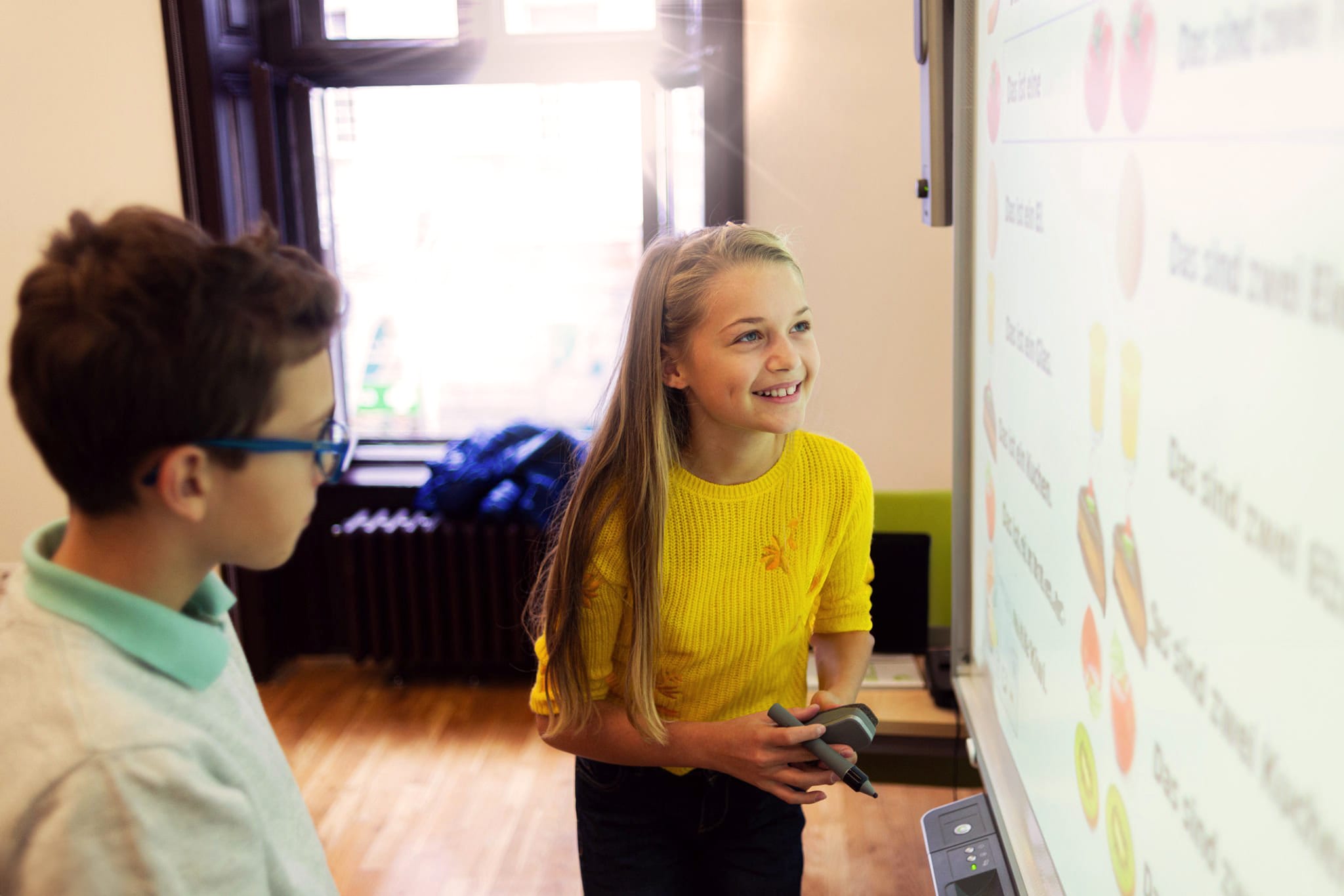
A pupil holding an interactive whiteboard pen smiles at the board while a classmate in glasses looks on